Empowering businesses and communities with cutting-edge technology, we are at the forefront of Belize’s digital evolution. From seamless connectivity to innovative solutions, we’re building a smarter, more connected future—one breakthrough at a time.
Find out more!
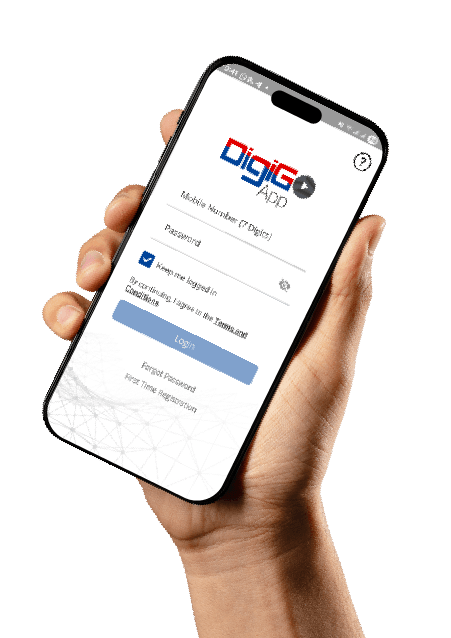
To sign up, download the DigiWallet app from the App Store or Google Play (https://link-to.app/DigiWallet) and register with your number.
How quickly is my payment applied to my accounts
Payments made via DigiWallet and DigiGo are applied instantly or within minutes. Online Banking transfers may take 1–2 business days depending on your bank’s processing time.
Can I pay someone else’s Digi Bill
Yes! You can pay any Digi account bill, not just your own. Simply enter the account number of the bill you wish to pay when prompted during the payment process.
How do I pay my Digi Bill via DigiWallet
Log in into your DigiWallet
Tap Pay Bills
Select Utilities > Digi
Enter your Account Number
Confirm Payment
How do I pay my Digi Bill via Atlantic Bank
Log in to your Atlantic Bank App
Tap Pay Bill
Select utilities > Belize Telemedia Limited
Enter your account number
Review and confirm payment
How do I pay my Digi Bill via Belize Bank
Log in to your Belize Bank App
Tap Payments > Pay a Bill
Select BelizeTelemedia Ltd.
Enter your account number
Review and confirm payment
How do I pay my Digi Bill via Heritage Bank
Log into the Heritage Bank Ltd App
Select Menu
Select Payments
Select Pay Merchant
Select Manage > Add Merchant
Select Telemedia
Enter Merchant Details
Nickname (Digi)
Account Number
Customer Name on the Invoice
Select Pay Merchant > Add Merchant > Full out payment details
Review and confirm payment
Subscribe to receive the latest news and exclusive offers