all in ONE app.
What is DigiGO?
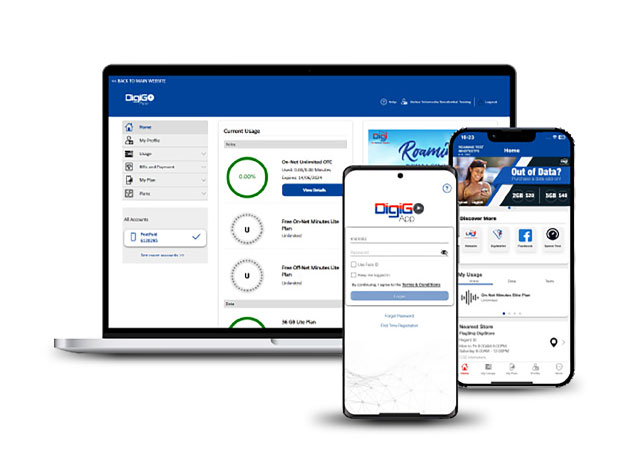
DigiGo is the all-in-one app designed for Digi PrePaid and PostPaid customers. Stay in control of your account and DigiCell services, track usage, pay bills, and enjoy seamless convenience on Belize’s biggest and best network.
Experience effortless payments with DigiWallet, now integrated directly into the DigiGo App!
- Pay your bill instantly with secure, hassle‑free DigiWallet transactions
- TopUp anytime using DigiWallet for a smooth, seamless experience
How It Works
- Choose the Bills tab to pay your monthly bill, or the TopUp tab to add credit
- Select Pay Bill or choose DigiWallet for TopUp
- Enter the amount
- Input the DigiWallet number you’re paying with
- Enter the verification code sent to that number
- Tap Continue, and you’re done!
Features for PostPaid Customers
- Track your data usage in real time
- View account and plan details
- Access your monthly bill & receive bill alerts
- Pay your Digi Mobile bill directly in the app
- Purchase voice, text, data & roaming plans
Convenient Tools for PrePaid Customers
- Check your primary & bonus balances with expiration dates
- Monitor your usage for voice, text & data
- Purchase DigiCell services, including plans & TopUp
- Send Mi Credit to family and friends
Up to Date with Promotions
- Receive instant in-app alerts for the latest DigiCell offers
- Purchase exclusive promotions right inside the app
- Explore ongoing promos anytime
On‑Demand Support
- Find stores easily using Google Maps
- Call and speak with a live Digi agent
- Chat instantly with a support agent
- Browse helpful FAQs
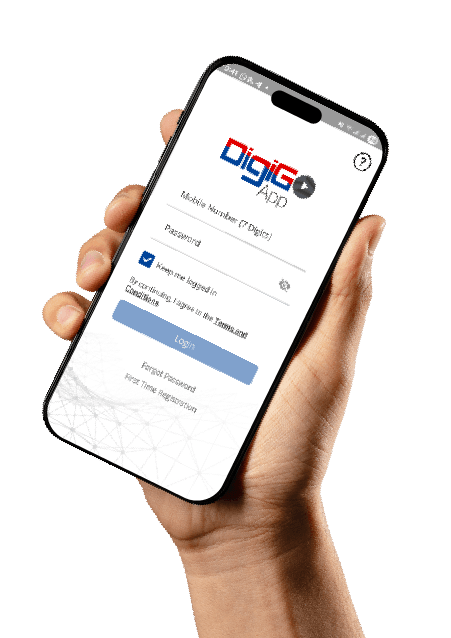
Download DigiGo app
to unlock all the exclusive offers


Have questions?
We got answers!
Any active DigiCell PrePaid or PostPaid customer can register for the DigiGo App — including PrePaid customers on a Data Basic Plan.
- PostPaid account owners: You’ll have full access to all account details.
- Plan members (users under someone else’s account): You will be able to view only the information related to your individual mobile plan.
If you experience issues while paying your Mobile service bill or adding TopUp using DigiWallet, please contact a Digi representative for assistance.
You can reach us through:
- Live Chat (inside the app or on the website)
- WhatsApp/Text: 608‑8888
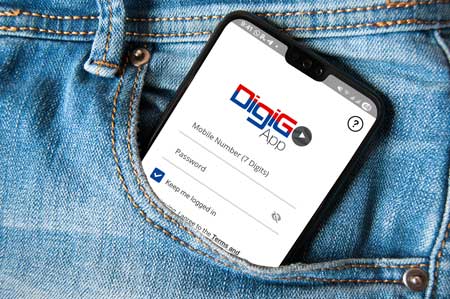
You can reset your password directly from the DigiGo App.
- Open the DigiGo App.
- Scroll down and tap ‘Forgot Password’.
- Enter your mobile number and the security code shown.
- You’ll receive an SMS with a reset link.
- Click the link and follow the instructions to set a new password.
Once complete, you can log in again.
If you’re unable to download or log in to the DigiGo App, it may be due to the following:
- Your DigiCell number may be inactive or suspended
- Your device may not be compatible with the app
For further assistance, contact us through live chat or WhatsApp/Text at 608‑8888.
On Mobile:
- Visit the App Store (iOS) or Google Play Store (Android)
- Search for My DigiGo
- Tap Install it’s completely free
On Web:
- Click here to access the web portal
Only the account owner has full access to account details.
- Plan members (users under the account) can view only their own usage details.
- PostPaid purchases can only be made by the account owner.
- PrePaid customers can purchase their own add-ons as long as they have enough credit.
Yes! DigiGo users enjoy exclusive app-only promotions throughout the year. These may include:
- 4× SMS for the same price
- Increased data allowances at no extra cost
Plus, DigiGo offers the convenience of secure, effortless DigiWallet payments for your bill or TopUp. Stay active and enjoy the DigiCell perks!